Turn Any Video Into a
Detailed AI Prompt
Upload a video and let AI analyze camera movements, subject details, subject motion, scene transitions, transformations, lighting, environment, audio and cinematic style to generate production-ready prompts.
Supported Platforms


How It Works
AI Video Analysis In Three Simple Steps
Upload Video File
Upload your video file and click Analyze.
The platform automatically processes your video and prepares it for AI analysis.
AI Watches & Listens
Our AI studies every important moment and sound in the video. It identifies subjects, camera movements, transformations, lighting setups, dialogue, and audio-driven mood shifts.
The result is a complete cinematic and auditory understanding of the video.
Get Production-Ready Prompts
Receive a detailed breakdown and professional AI prompts (Director and Standard formats) optimized for modern AI generation tools.
Download in PDF or JSON, and export directly to platforms like Midjourney, Sora, and Kling AI.
See It In Action
Watch How VromptAI Works
Features
Everything You Need To Reverse Engineer Any Video
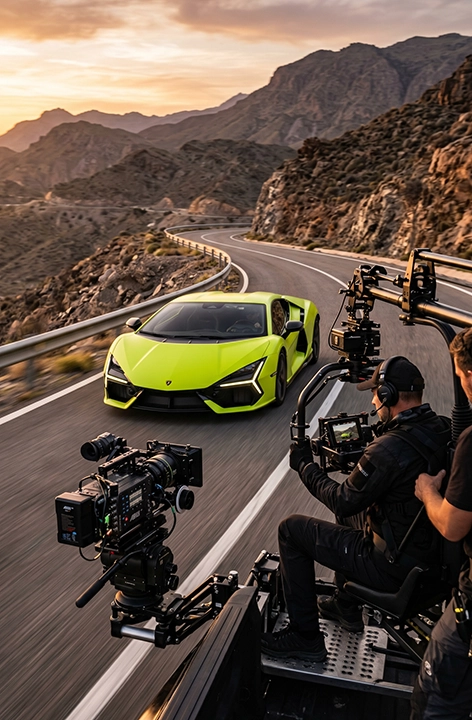
Camera Intelligence
Detects camera movements including tracking shots, orbit shots, dolly movements, pans, tilts, zooms, crane shots, drone shots, handheld motion, and cinematic framing.
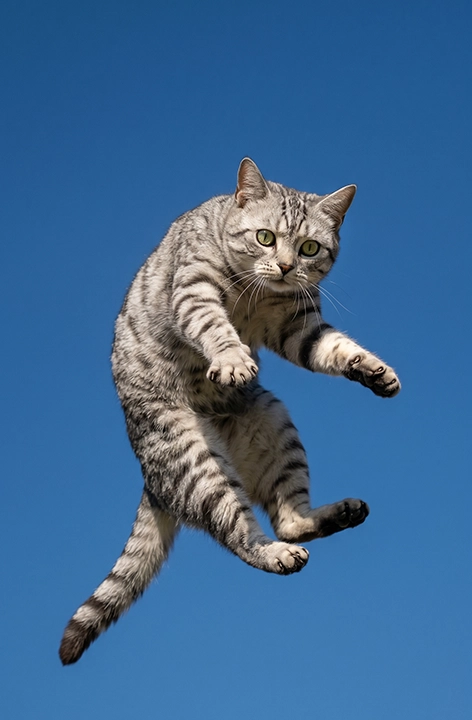
Motion Intelligence
Understands how subjects move throughout a scene, including acceleration, direction changes, action sequences, dynamic movement, and speed ramps.
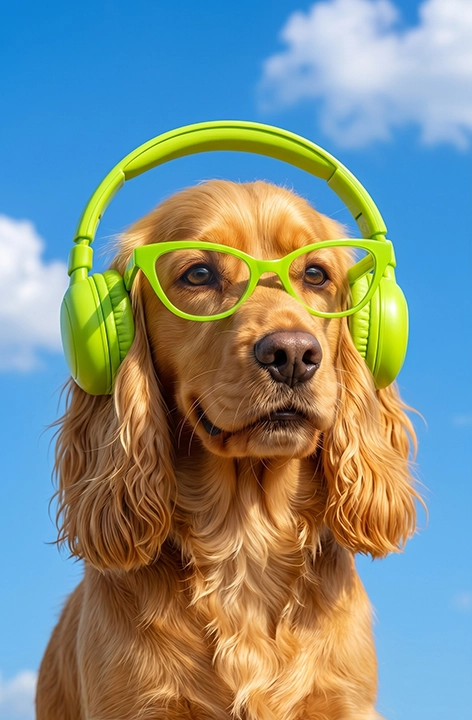
Audio Intelligence
Analyzes audio tracks to extract dialogue, narration, sound effects, music style, ambient sound, and atmospheric mood shifts.
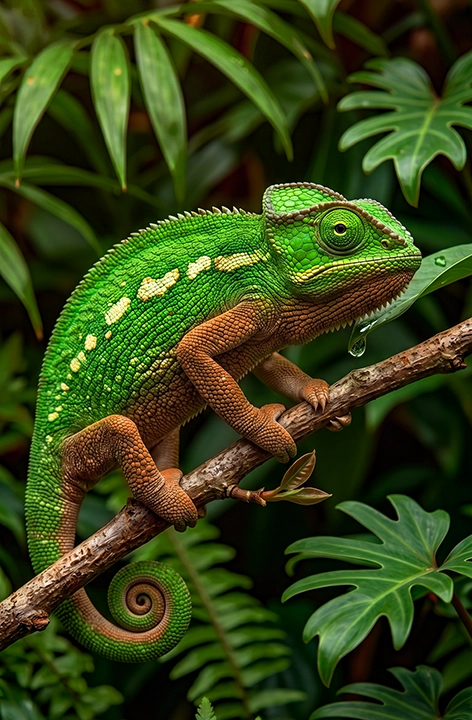
Transformation Tracking
Breaks down complex visual transformations step-by-step, making it perfect for AI-generated content, VFX sequences, and cinematic transformations.
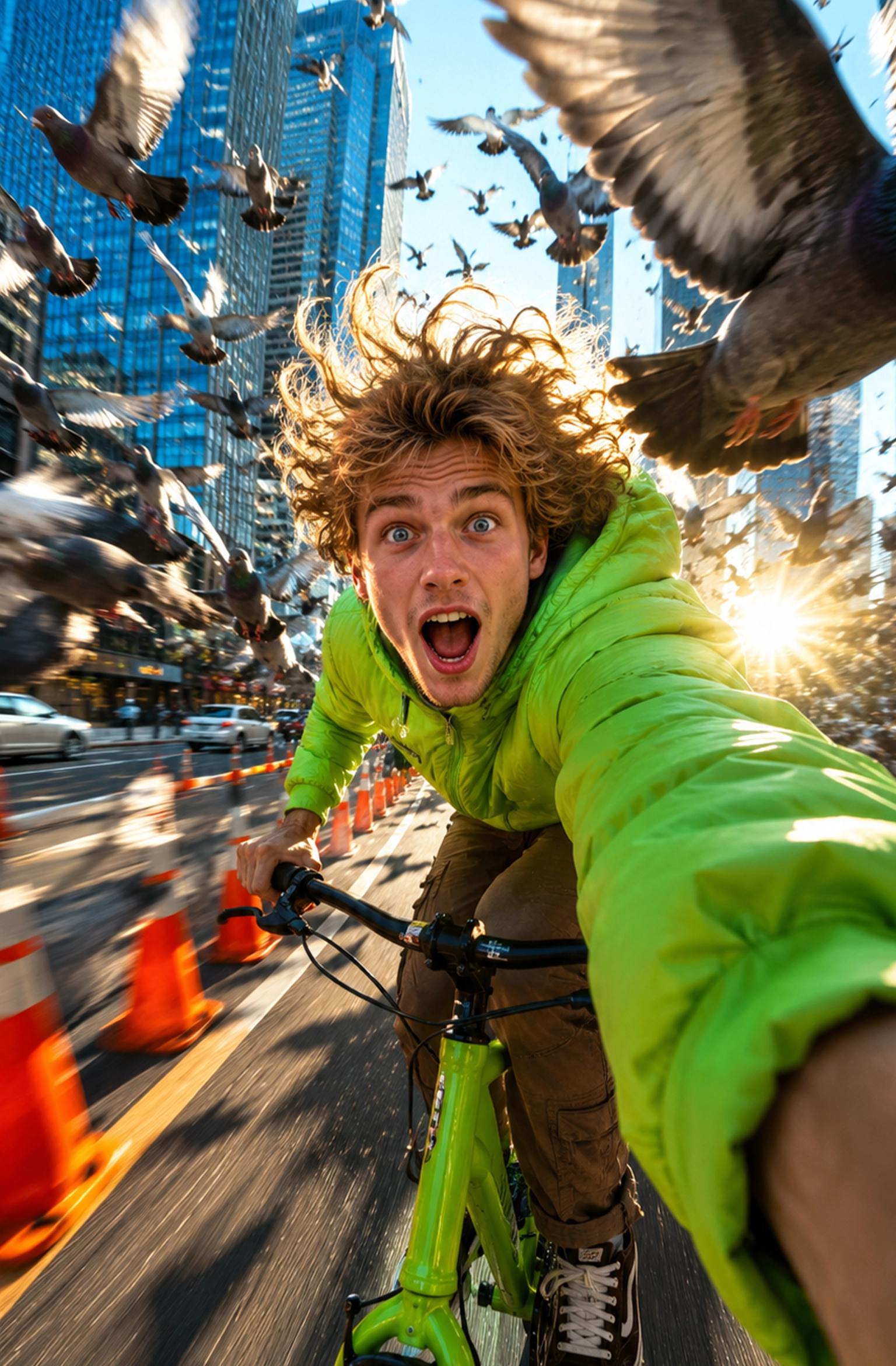
Scene Analysis
Identifies cuts, transitions, pacing, scene structure, and editing techniques to recreate the flow of any video.

Environment Detection
Recognizes locations, weather conditions, atmosphere, lighting direction, reflections, shadows, and environmental effects.
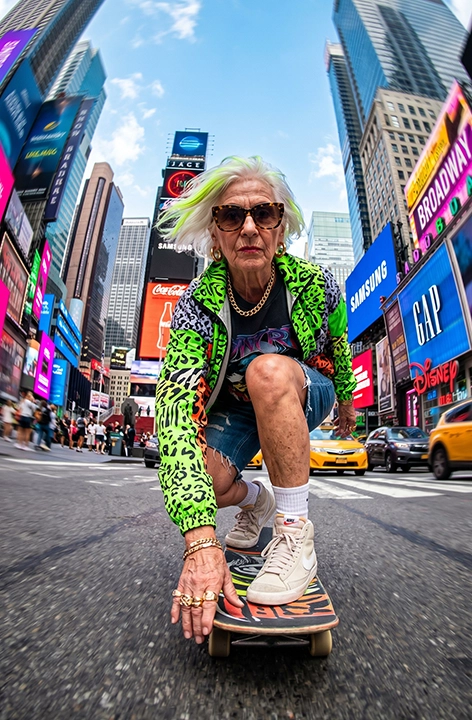
Style Recognition
Classifies cinematic styles such as hyper-realistic, cyberpunk, sci-fi, commercial advertising, documentary, anime, fantasy, and CGI.
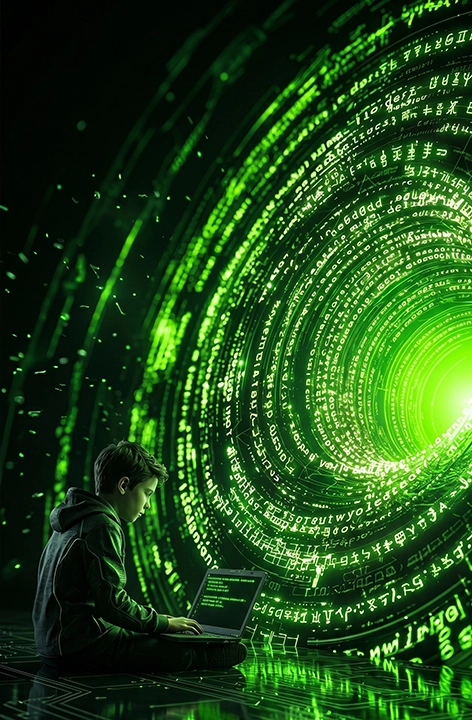
Smart Prompt Generation
Converts analysis into 2 tiers of prompts (Director, Standard) optimized for Midjourney, Kling, Sora, Runway, and Pika. Export as PDF or JSON.
Showcase
See What Vrompt Understands
Explore how VromptAI analyzes real cinematic and AI-style videos and transforms them into detailed, production-ready prompts. Every scene is broken down into camera movement, motion behavior, lighting, environment, sound design, and cinematic style.
Jungle Mountain Biking
DYNAMIC TRACKING: A skilled mountain biker, clad in a black 'VROMPTAI' kit with neon yellow accents and a full-face helmet with branded goggles, fiercely navigates a vibrant neon green full-suspension bike down a winding dirt trail, kicking up a rooster tail of brown dust. The action unfolds in a lush, sun-dappled tropical jungle with towering trees and abundant green foliage. SHREDDING ADVENTURE.
Gaze into Digital Reflection
Extreme Close-up: A mesmerizing blue-green human eye, featuring a golden-brown ring around its pupil, intently observes a reflective digital screen. The pupil vividly reflects rectangular screen content. Delicate eyelashes and faint red capillaries are visible, all bathed in soft, ambient lighting creating an intimate and focused atmosphere.
Benefits
Why Creators Choose VromptAI
Save Hours Of Manual Analysis
No more pausing videos frame-by-frame trying to understand camera movement, sound design, and scene structure.
Learn Cinematic Techniques
Discover how professional creators use camera movement, composition, pacing, lighting, and audio.
Generate Better AI Content
Create prompts with far more accuracy and consistency.
Understand Viral Content
Break down successful videos and understand exactly what makes them look and sound great.
Audiences
Built For
verifiedAI Creators
Reverse engineer successful AI videos.
verifiedFilmmakers
Study cinematic techniques, camera language, and sound design.
verifiedContent Creators
Analyze viral short-form content.
verifiedAdvertisers
Break down high-performing commercials.
verifiedAgencies
Accelerate creative research and ideation.
verifiedDevelopers
Integrate video and audio understanding into products and workflows.
FAQ
Frequently Asked Questions
Can VromptAI recover the exact original prompt?
No. VromptAI intelligently reconstructs the most accurate possible prompt based on visual, audio, and motion understanding.
Which video platforms are supported?
YouTube, TikTok, Instagram Reels, Facebook Videos, Snapchat, X, and direct uploads.
How long does analysis take?
Most videos are analyzed within seconds.
Can it understand transformations?
Yes. VromptAI is specifically designed to identify and explain complex transformations, morphing sequences, and cinematic visual effects.
Ready To Understand Any Video?
Stop guessing how videos were made. Upload a video and let VromptAI reveal the camera work, motion, transformations, editing techniques, sound design, and prompt structure behind every scene.